Create Explainer
Videos Using DirectStudio
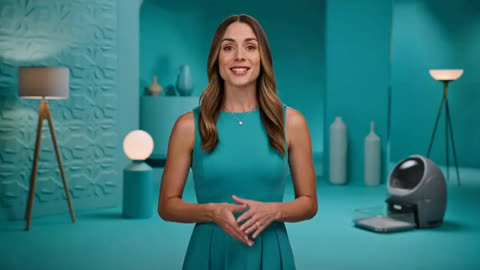
Write your script, and the AI narrates and visualizes it — an AI avatar, on-screen visuals, and captions built to walk a viewer through an idea, product, or process step by step.
Start DirectingWhat Explainer Video Means
An explainer video’s job is simple: make a concept clear, fast. DirectStudio’s Explainer Video Generator turns a script into exactly that — narration, an AI avatar or visuals, and pacing built for clarity, not spectacle.
Write your script, and the AI narrates and visualizes it. With an AI avatar, on-screen visuals, and captions, it’s built to walk a viewer through an idea, product, or process step by step.
One workspace for your whole team
Trusted by teams, just like yours.










Working with Explainer Video
Limitations, and how
to get around them
A loose script gives a loose explanation
Clear pacing depends on clear structure in the script. What helps: break the explanation into short, concrete steps before generating.
Structure Your Script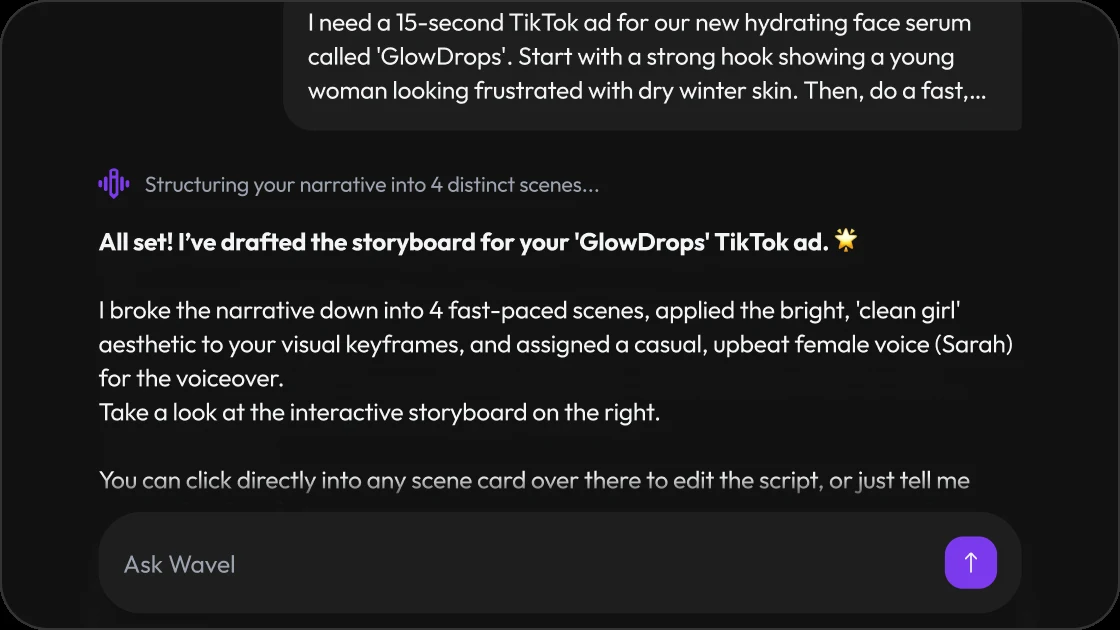
Highly technical concepts may need a visual check
The AI matches visuals to the script closely, but very specific technical detail sometimes needs a manual swap. What helps: the built-in editor lets you fine-tune visuals and text before download.
Open the Editor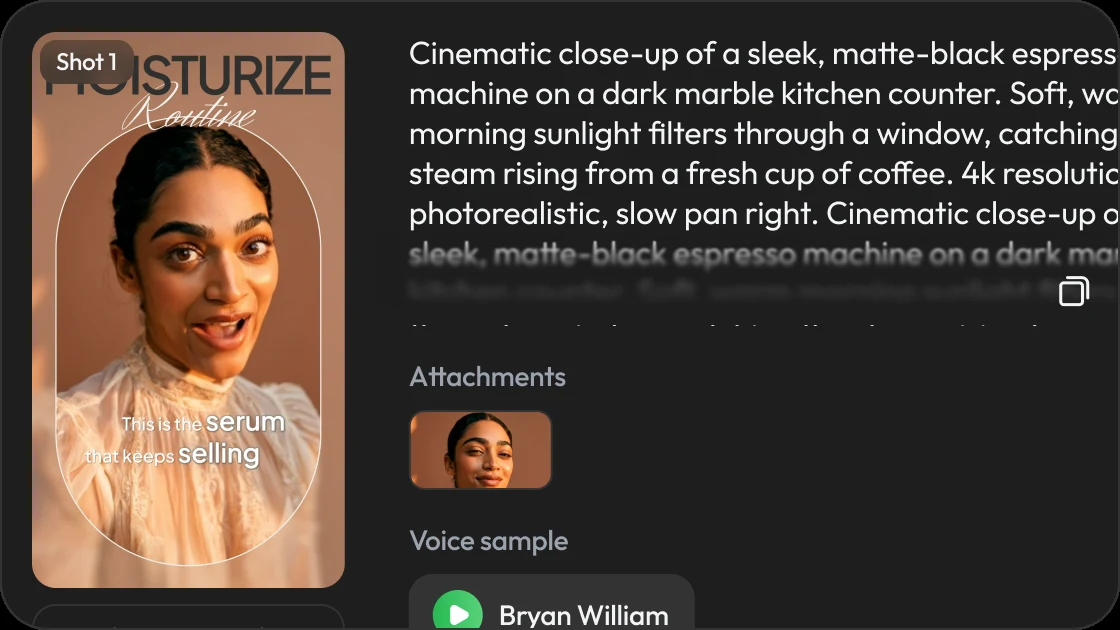
Long explanations are best split into sections
A single long script can lose pacing across a long generation. What helps: split longer explanations into shorter sections or a short series.
Open the Studio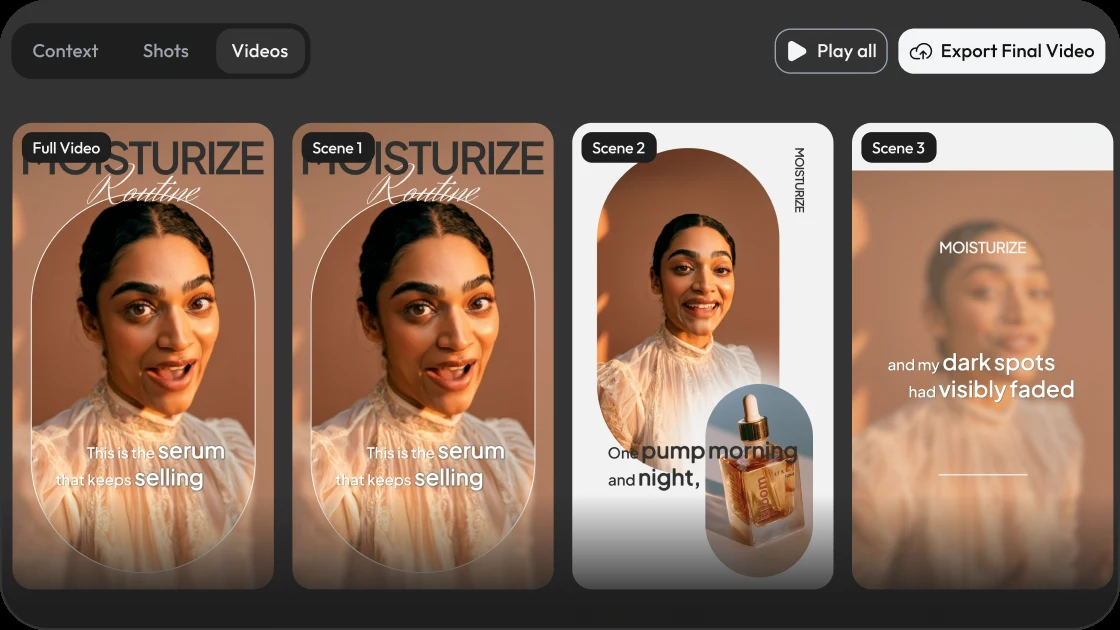
The honest takeaway: The Explainer Video generator removes the production step, not the final review. A quick preview before publishing keeps clarity and pacing on point.
Use cases, with more DirectStudio tools
The Workflow, Step by Step
Enter your script
Write or paste your explanation, pitch, or process into DirectStudio.
Choose your presenter and visuals
Pick an AI avatar or faceless visual style, and let the AI match visuals to each part of the script.
Generate
The AI narrates and builds the video, with pacing, visuals, and captions matched to the script.
Fine-tune and download
Review the result, adjust visuals, pacing, or voiceover in the built-in editor, then download and share.
 SaaS and product teamsTurn a feature or onboarding doc into a clear walkthrough video.
 Educators and course creatorsConvert lesson content into narrated, visual explainer videos.
 Support and help teamsTurn a help article or FAQ into a step-by-step video answer.
 Startups and pitchesExplain a product or concept clearly for investors or early customers.
 Multilingual explainersThe same script goes out in 100+ languages without re-recording.
A video studio built like a chat.
Pricing
Self-serve credits for every story workflow.
Use DirectStudio with pay as you go credits, fixed plans, and top-ups whenever you need more generation capacity.
Pay as you go
Start self-serve and add credits only when your story pipeline needs more generation time.
- Top AI ModelsSeedDance 2, Seedance 2.5, Veo 3.1, Kling 3, Nano Banana Pro, SeedDream 5, WAN 2.5
- No monthly commitment
- Use credits across AI models
- Top up any time
Pro
A focused starter pack for testing story ideas, producing first drafts, and iterating with prompts.
- Top AI ModelsSeedDance 2, Seedance 2.5, Veo 3.1, Kling 3, Nano Banana Pro, SeedDream 5, WAN 2.5
- Video Agent access
- Prompt-based edits
- Consistent characters and scenes
Scale
Best value for regular creators producing more scenes, versions, and final video exports.
- Top AI ModelsSeedDance 2, Seedance 2.5, Veo 3.1, Kling 3, Nano Banana Pro, SeedDream 5, WAN 2.5
- Best credit rate
- More model runs
- Built for ongoing story production
Key features included
Have any question?
A tool that turns a written script into a clear, narrated video, with an AI avatar or visuals, captions, and pacing generated automatically.
Explainer Video is tuned for clarity-first, step-by-step pacing. Script to Video covers a broader range of narrative and story-driven content.
Yes, feature explanations, onboarding flows, and how-it-works videos are a core use case.
Yes, the same script can be generated in 100+ languages using the built-in voice library.
Yes, the built-in editor lets you adjust visuals, pacing, and voiceover before download.
DirectStudio runs on credits. Pay as you go, or subscribe to Pro or Scale for a lower per-credit rate and more included generation capacity.
Still have a question in mind?
Contact us if you have any other questions.

Direct your first explainer video
Write your script, choose a presenter, and let DirectStudio build a clear, narrated video in minutes.
Start Directing Free