AI Video
Generator
AI video generation isn’t just a text box. It’s a workflow.
DirectStudio handles it all in one platform; from faceless explainers to avatar-led ads. One dashboard instead of many tools.
Start DirectingOne workspace for your whole team
Trusted by teams, just like yours.










Use cases, with more DirectStudio tools
The Workflow, Step by Step
Pick your video type
Faceless/stock-style, AI avatar, UGC-style ad, full commercial, cartoon, or music/performance video.
This decision shapes every option shown to you afterward.
Choose scene structure and model
This is the step most competing tools skip entirely — they pick the model for you.
- Multi Scene: Get longer videos, consistent story arc across cuts
- Single Scene: Get short clips up to a few seconds
- Kling 3.0: Cost-effective & strong realistic motion
- Google Veo 3.1: Built for multi-character cinematic scenes
- Seedream: Fine-tuned for character-driven, comedic content
- Wan v2.5: Ideal for simple, non-dialogue clips
Upload media and enter your script
- Add product photos or reference images to ground the generation
- Type your script, story, or prompt
- Pick a style and a presenter: a default DirectStudio avatar or an AI twin built from a photo and voice sample
- Set orientation: horizontal or vertical
Customize voice and language
- Pick a voice, or let AI auto-select a professional male or female voice
- Set the base language
- Add a translation target and instructions, if the video needs to travel
- Auto lip-sync keeps mouth movement matched to the audio, translated or not
Set captions, music, and output count
- Burn captions into the video, or export a separate SRT file
- Pick a caption style: font, size, highlight color, animation (pop-word, word-highlight, typewriter)
- Add background music
- Generate up to 10 short-form variants from one input
Generate and review
Script, visuals, voice, and captions come together into a finished video — all ready to preview, download, or publish.
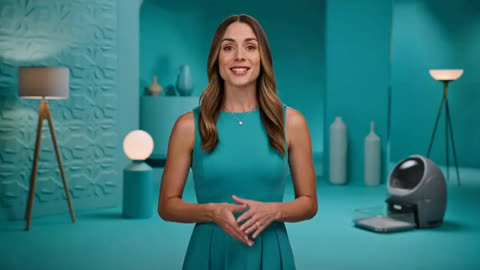 Faceless and stock-style channelsExplainer channels, tutorials, and trend-based content — all generated from a script, no camera needed.
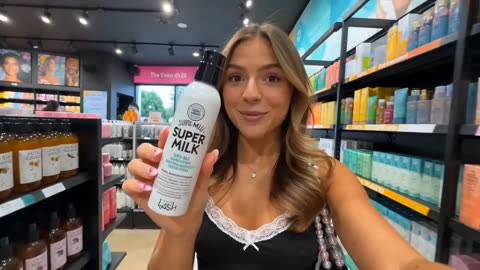 UGC-style adsAvatar + product image + voiceover — the creator-talking-about-a-product format that converts on Meta and TikTok, without hiring a creator.
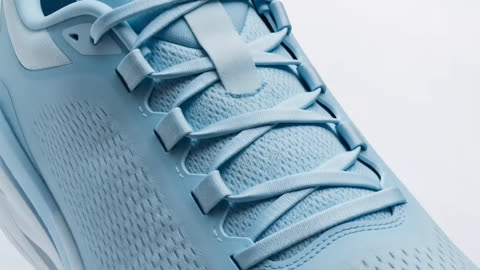 Avatar-led commercialsA script becomes a full commercial with a stock avatar or custom AI twin — ideal for product intros and brand campaigns.
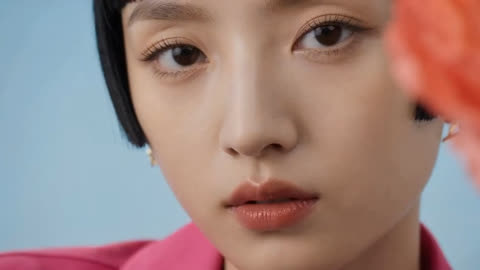 Corporate training and internal commsMulti-scene generation, a professional avatar, and burned-in captions cover onboarding and process videos without a production team.
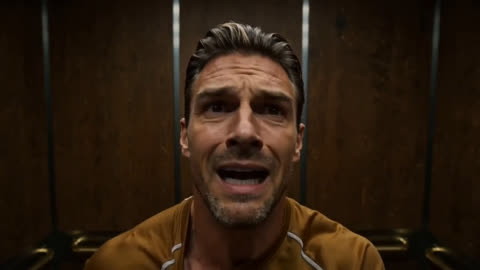 Localized campaignsTranslation and lip-sync live in the same workflow, so one video becomes another language without a separate dubbing pass.
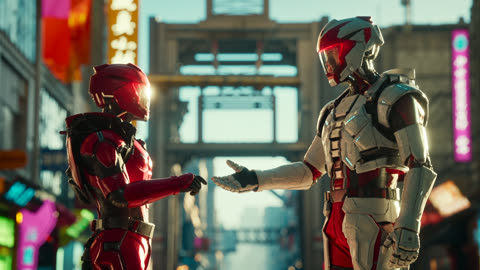 Short-form batch contentGenerate up to 10 variants of the same input for social testing — one script, several publishable outputs.Entertainment and novelty contentSinging, dancing, or cartoon-style avatars for music creators, meme accounts, and viral formats.
Working with the AI Video Generator
Some limitations, and what
we’re doing to fix them
Model choice takes judgment
Five models means no single "best" pick across every use case; matching model to content type is on the user. What helps: understand the models, then have them create the output that you desire.
Meet the Models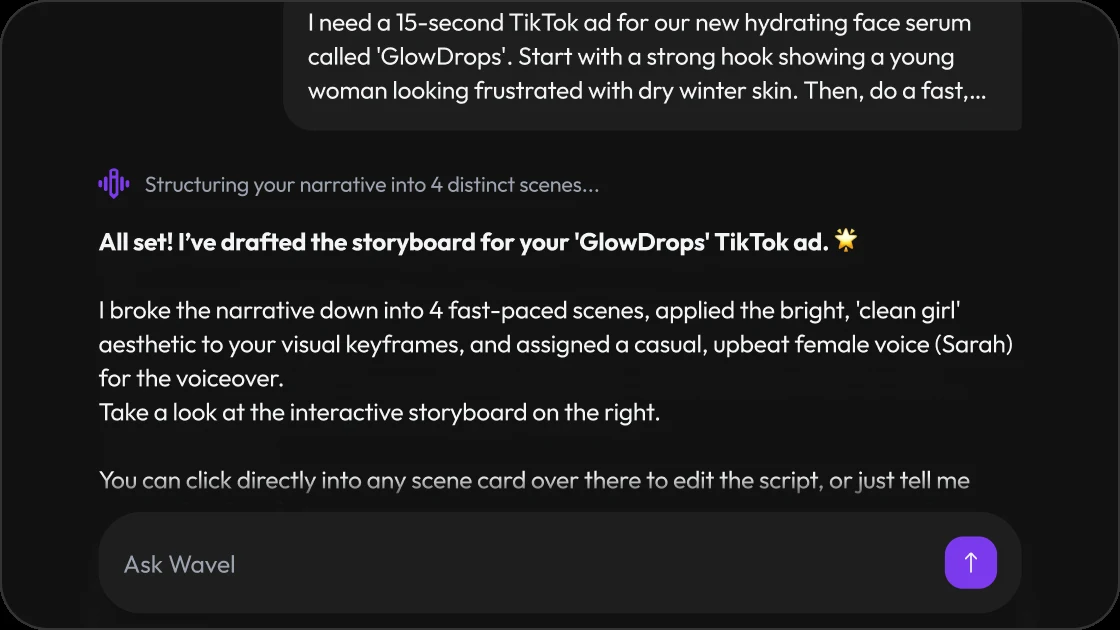
Multi-scene consistency is harder than single-scene
Longer videos are more prone to small drifts in a presenter's look, lighting, or product framing between scenes — a category-wide limitation, not specific to one platform. What helps: DirectStudio gives you every leading model in the industry to work with, so you can pick the one that holds up best for your scene.
Build a Storyboard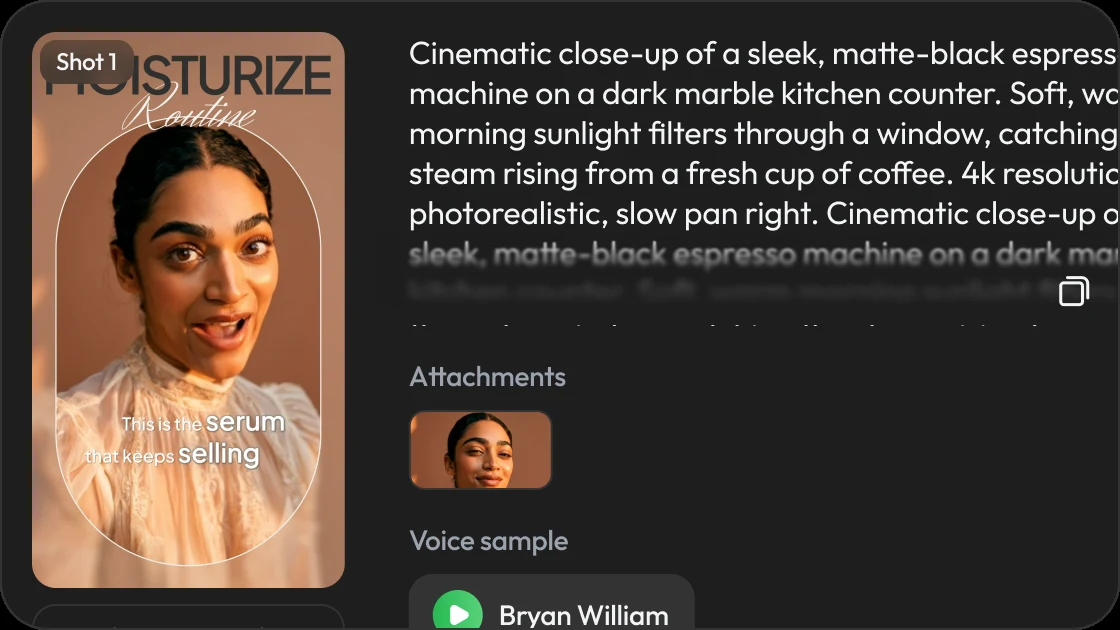
Avatar realism has edge cases
Standard speaking shots are strong. Fast head turns, complex hand-product interaction, and unusual angles are where artifacts are most likely. What helps: the better the avatar reference, the better the result — invest in a clean photo and voice sample.
Open the Studio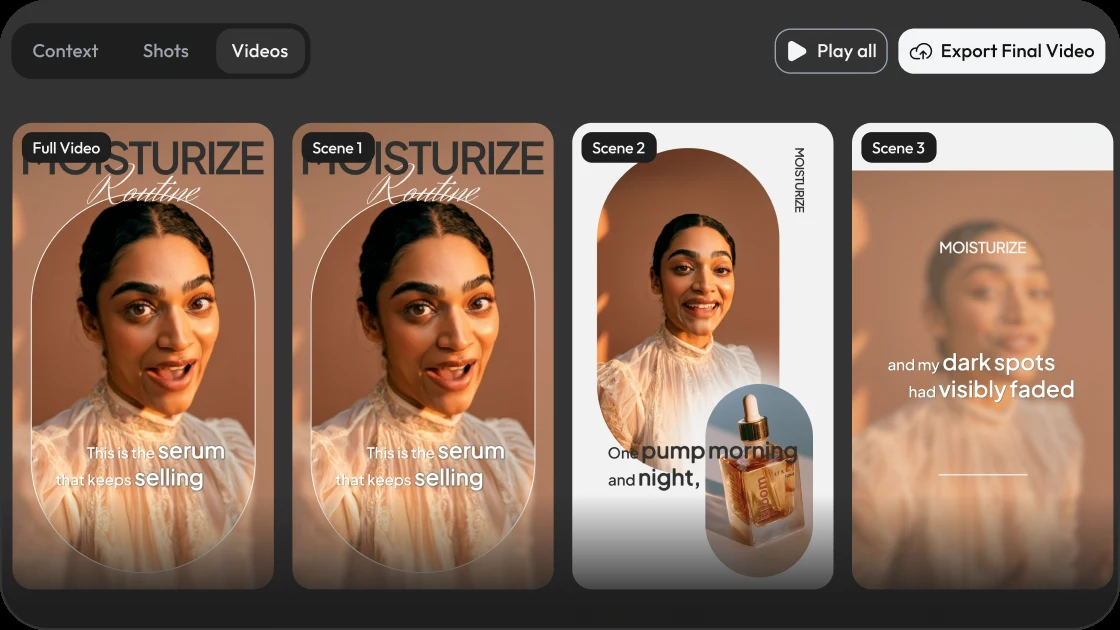
Translation preserves meaning, not always nuance
Idiom and culturally specific phrasing often need a manual pass for brand-sensitive campaigns. What helps: the more personalized the work is, the more satisfactory the output — review translated cuts before publishing.
Localize a Scene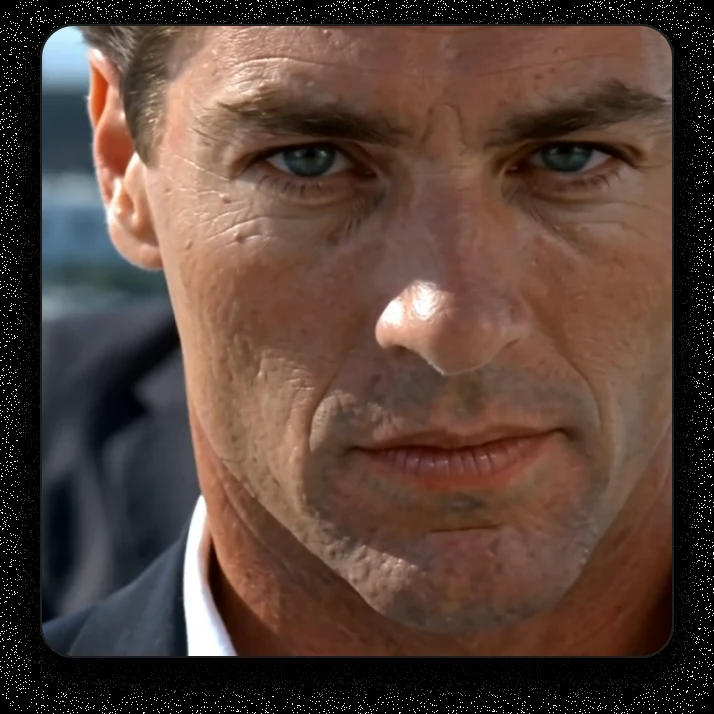
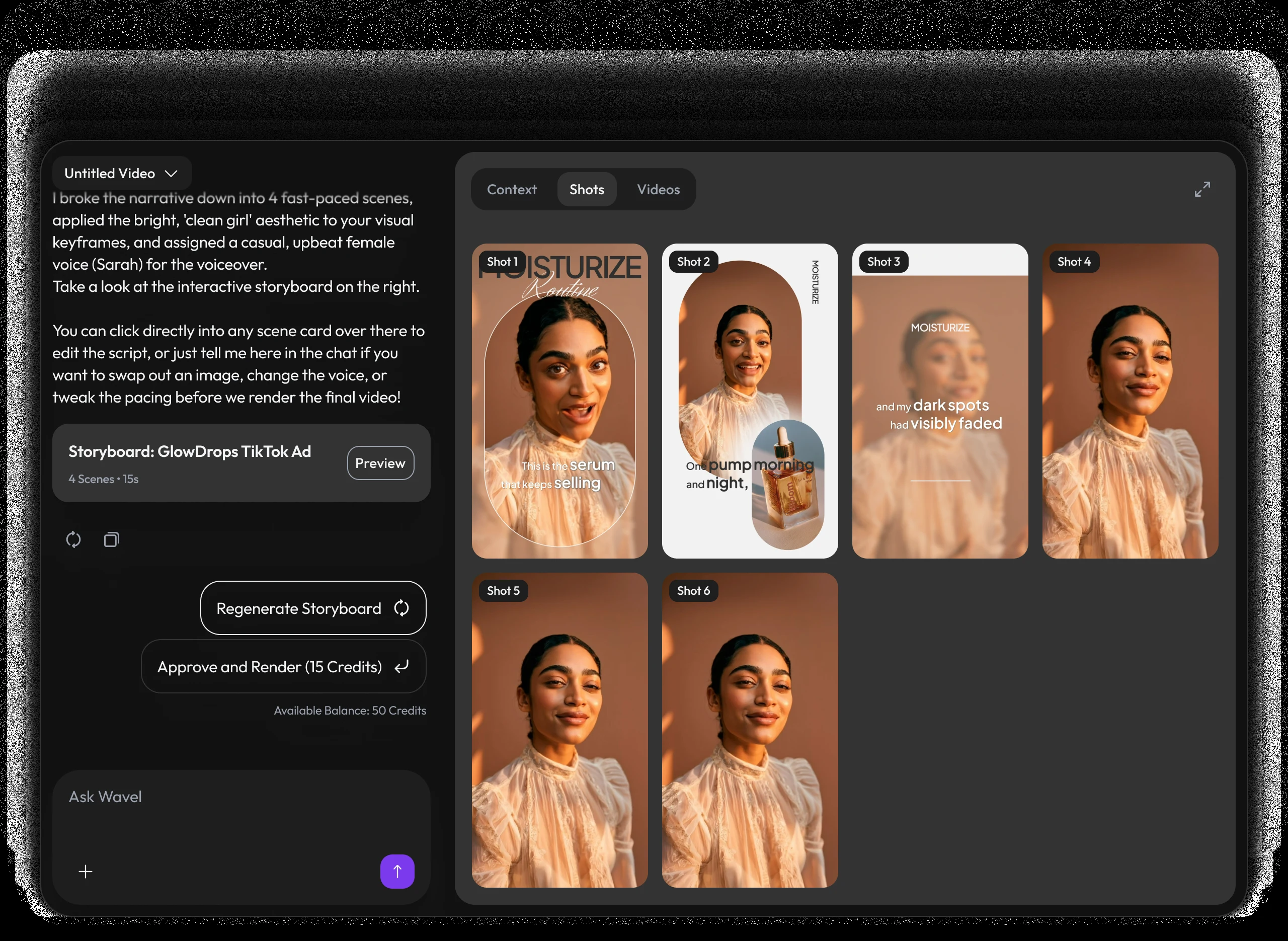
A video studio built like a chat.
Pricing
Self-serve credits for every story workflow.
Use DirectStudio with pay as you go credits, fixed plans, and top-ups whenever you need more generation capacity.
Pay as you go
Start self-serve and add credits only when your story pipeline needs more generation time.
- Top AI ModelsSeedDance 2, Seedance 2.5, Veo 3.1, Kling 3, Nano Banana Pro, SeedDream 5, WAN 2.5
- No monthly commitment
- Use credits across AI models
- Top up any time
Pro
A focused starter pack for testing story ideas, producing first drafts, and iterating with prompts.
- Top AI ModelsSeedDance 2, Seedance 2.5, Veo 3.1, Kling 3, Nano Banana Pro, SeedDream 5, WAN 2.5
- Video Agent access
- Prompt-based edits
- Consistent characters and scenes
Scale
Best value for regular creators producing more scenes, versions, and final video exports.
- Top AI ModelsSeedDance 2, Seedance 2.5, Veo 3.1, Kling 3, Nano Banana Pro, SeedDream 5, WAN 2.5
- Best credit rate
- More model runs
- Built for ongoing story production
Key features included
Have any question?
Kling 3.0, Google Veo 3.1, SeedDance 2, Nano Banana Pro, Seedream, and Wan v2.5 — each suited to different content types.
Yes, the workflow includes a translation step with auto lip-sync matched to the translated audio.
Yes, up to 10 short-form variants from the same script or prompt in one run.
Multi-scene consistency, avatar realism on complex movements, translation nuance, and the need for a human review pass before publishing.
No. It's built for fast, prompt-driven generation and light editing, not custom 3D compositing or manual frame-by-frame animation.
DirectStudio runs on credits. Pay as you go, or subscribe to Pro or Scale for a lower per-credit rate and more included generation capacity.
Still have a question in mind?
Contact us if you have any other questions.

Direct your first story
Stop wrestling with complex timelines. Chat your ideas, build your storyboard, and generate cinematic video in minutes.
Start Directing Free