From Photos to
Cinematic Ads
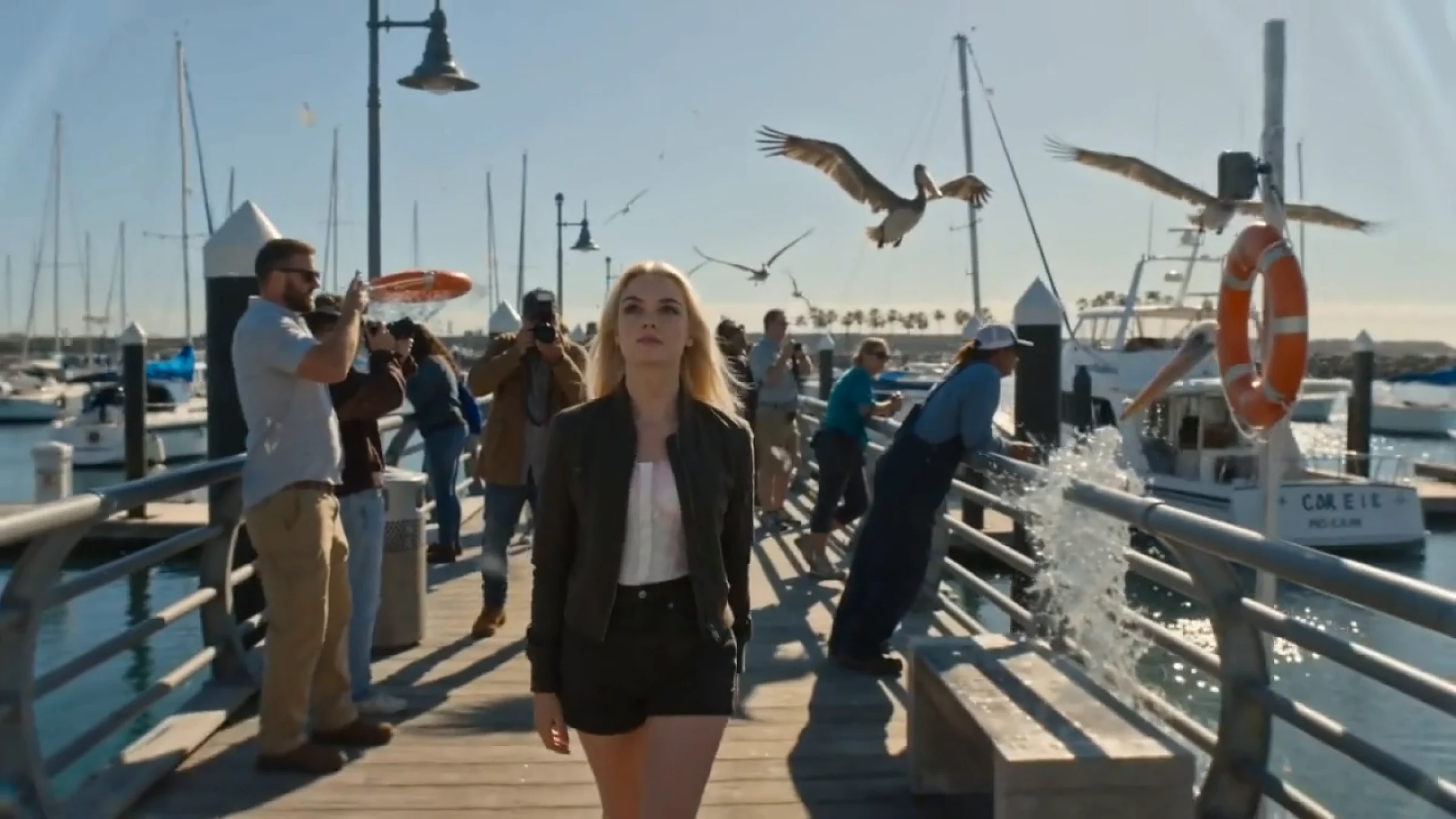
Upload a product image, describe what the ad should communicate, and DirectStudio’s AI builds a cinematic ad around it — camera movement, lighting, an optional AI character. No shoot, no editor.
Start DirectingWhat Product Ads Means
A product photo is one shot. DirectStudio’s Product Ads generator turns it into a full cinematic video ad, with camera movement, lighting, an optional AI character, and a message built around it.
Upload a product image, describe what the ad should communicate, and the AI builds a cinematic ad around it. No shoot, no editor.
One workspace for your whole team
Trusted by teams, just like yours.




Working with Product Ads
Limitations, and
getting past them
A clean source photo matters
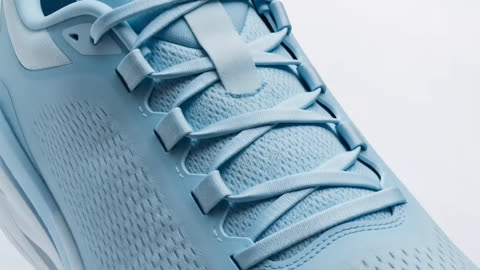
The model has more to work with when the product is clearly separated from its background. What helps: a well-lit, uncluttered product shot gives the most reliable cinematic result.
Upload a Photo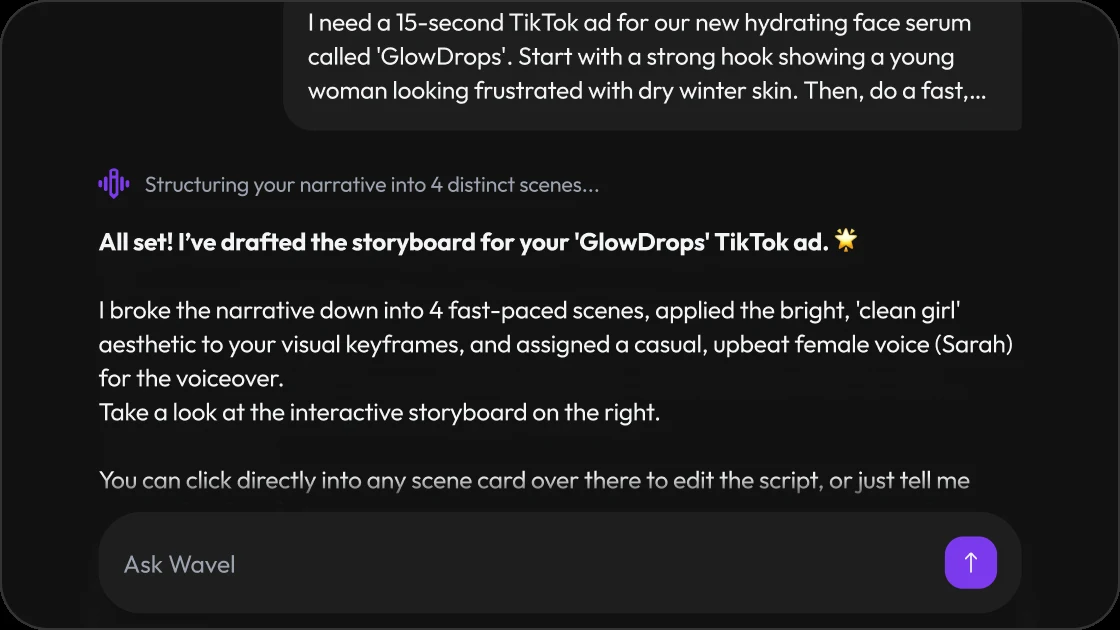
A vague prompt gives a generic ad
The more specific the benefit, mood, and call to action, the more targeted the output. What helps: write the prompt like a short ad brief, not just a product description.
Write Your Brief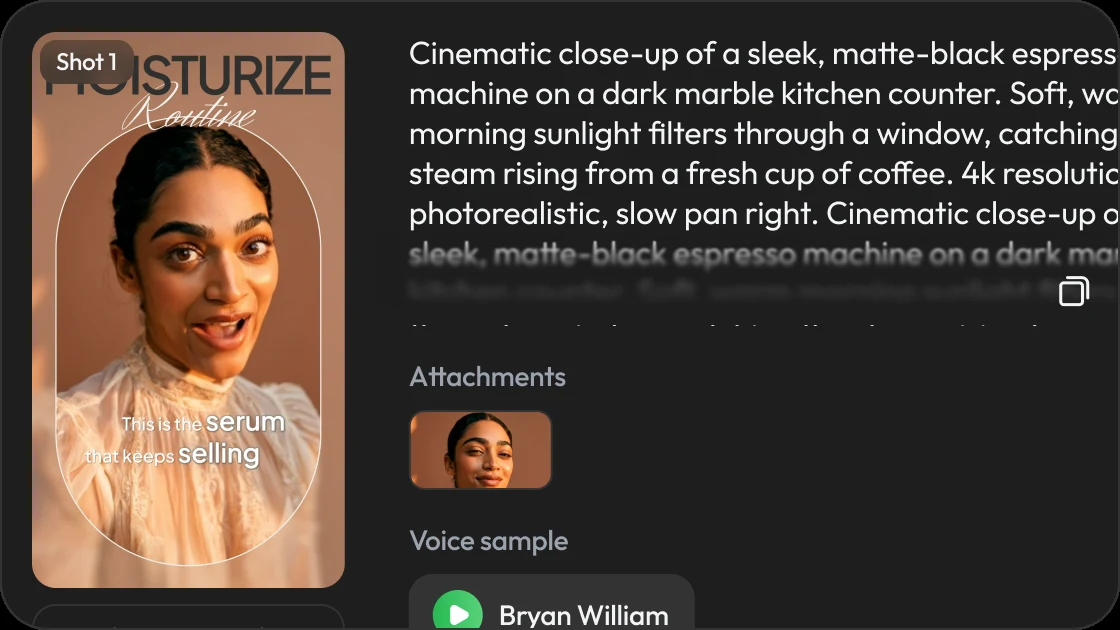
Character-product interaction has edge cases
Complex hand movement or close product handling by an AI character is where artifacts are most likely. What helps: standard framing renders most reliably; unusual angles benefit from a regenerate pass.
Open the Studio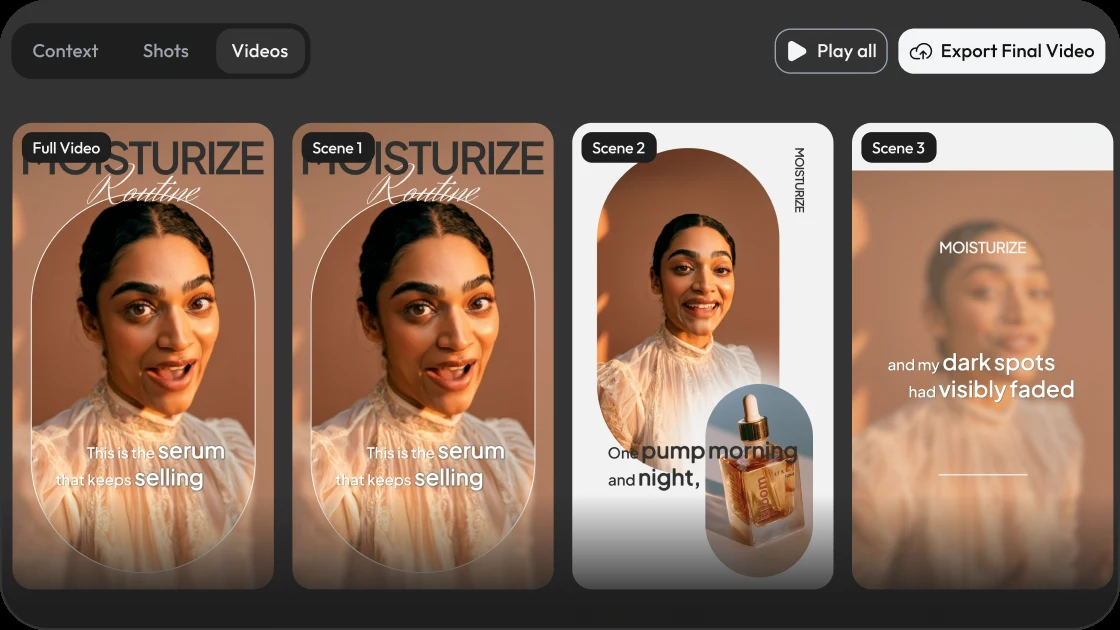
The honest takeaway: Product Ads removes the shoot, not the final review. A quick preview before publishing catches anything worth adjusting.
Use cases, with more DirectStudio tools
The Workflow, Step by Step
Add your product image
Upload one or more product photos. No studio setup required.
Describe the ad
Tell DirectStudio the key benefit, mood, product name, offer, and call to action.
Add a character
Bring in an AI character to hold, use, or react to the product.
Choose orientation
Vertical for Reels, TikTok, and Shorts, or other ratios depending on where the ad will run.
Generate
DirectStudio renders the cinematic ad, with camera movement, lighting, and composition applied around your actual product image.
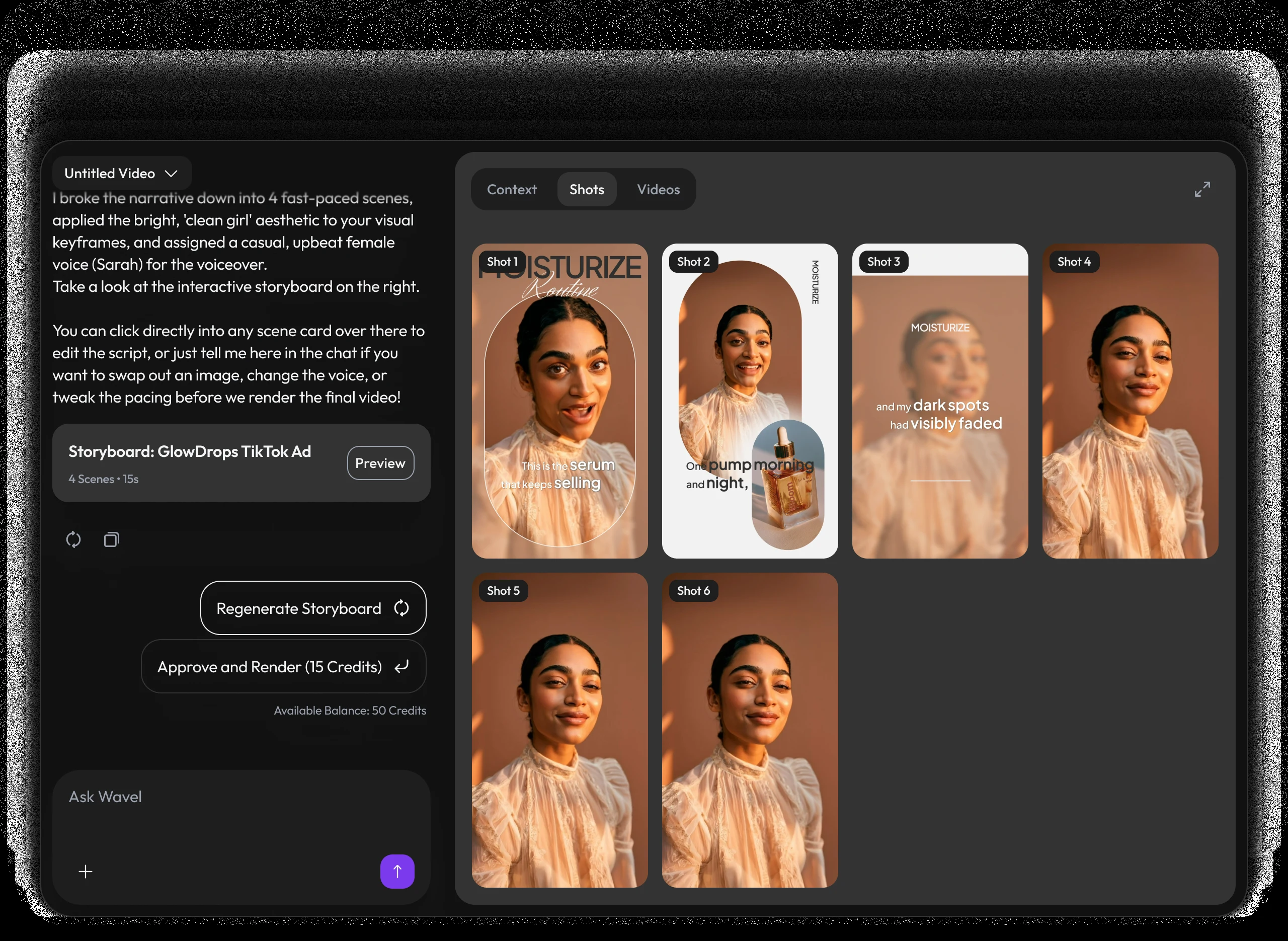
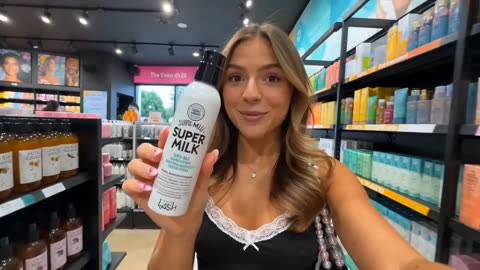
 D2C and e-commerce brandsTurn a single hero shot into a full commercial-style ad for paid social, without booking a shoot per SKU.
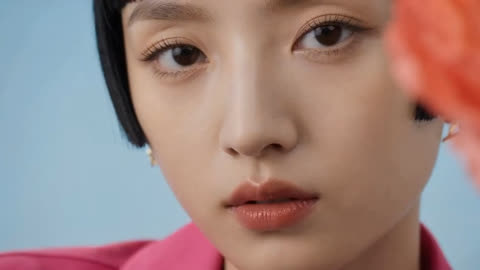
 Performance marketing teamsGenerate multiple mood and message variants of the same product.
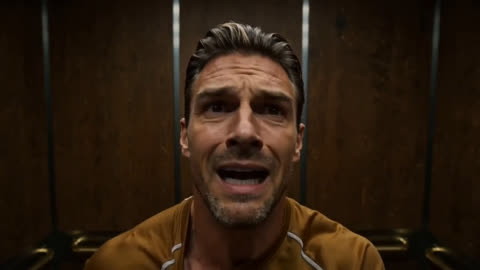
 Amazon and marketplace sellersTurn a listing photo into a dynamic product video for the gallery.
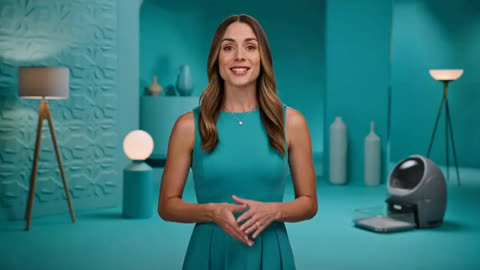
 AgenciesProduce ad concepts for client pitches in the time it used to take to storyboard one idea.
 Founders and solo operatorsGenerate a launch-day ad from the product photos already on hand.
A video studio built like a chat.
Pricing
Self-serve credits for every story workflow.
Use DirectStudio with pay as you go credits, fixed plans, and top-ups whenever you need more generation capacity.
Pay as you go
Start self-serve and add credits only when your story pipeline needs more generation time.
- Top AI ModelsSeedDance 2, Seedance 2.5, Veo 3.1, Kling 3, Nano Banana Pro, SeedDream 5, WAN 2.5
- No monthly commitment
- Use credits across AI models
- Top up any time
Pro
A focused starter pack for testing story ideas, producing first drafts, and iterating with prompts.
- Top AI ModelsSeedDance 2, Seedance 2.5, Veo 3.1, Kling 3, Nano Banana Pro, SeedDream 5, WAN 2.5
- Video Agent access
- Prompt-based edits
- Consistent characters and scenes
Scale
Best value for regular creators producing more scenes, versions, and final video exports.
- Top AI ModelsSeedDance 2, Seedance 2.5, Veo 3.1, Kling 3, Nano Banana Pro, SeedDream 5, WAN 2.5
- Best credit rate
- More model runs
- Built for ongoing story production
Key features included
Have any question?
A tool that turns a single product photo into a cinematic video ad, using a prompt to define the benefit, mood, product name, offer, and call to action.
No, a clean, well-lit photo is enough. The AI adds camera movement, lighting, and composition around it.
Yes, an optional AI character can be added to hold, use, or react to the product.
Vertical 9:16 for Reels, TikTok, and Shorts, along with other orientations depending on where the ad will run.
Yes, generate multiple mood or message variants from the same product photo.
DirectStudio runs on credits. Pay as you go, or subscribe to Pro or Scale for a lower per-credit rate and more included generation capacity.
Still have a question in mind?
Contact us if you have any other questions.

Turn your next photo into an ad
Upload a product photo, describe the ad, and DirectStudio builds a cinematic video around it — no shoot, no editor.
Start Directing Free