Image to Video
AI Generator
Bring a still image to life. Upload a reference photo, describe the motion, and DirectStudio animates it into a full scene.
Start DirectingOne workspace for your whole team
Trusted by teams, just like yours.








Use cases, with more DirectStudio tools
Overcoming the
limitations
Model choice takes judgment
Five models means no single "best" pick for every shot; matching the right model to the right scene is on you. DirectStudio’s agent studies your brief and picks automatically.
Draft Your Script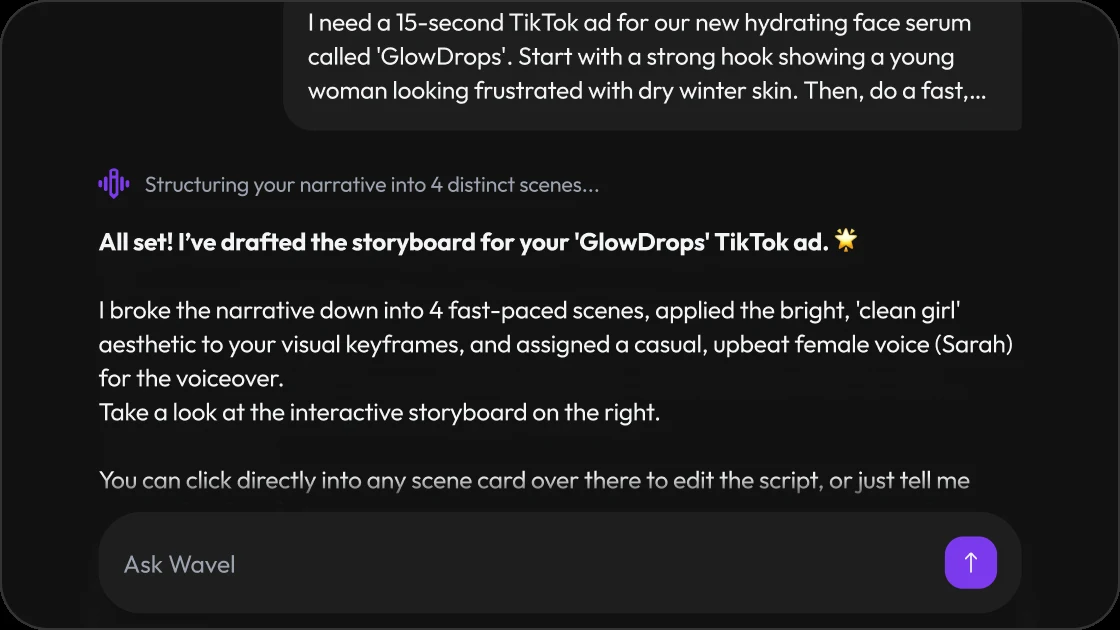
A single reference image can drift across a scene
Animating from one still frame means the model has to invent everything outside the frame; longer motion can drift from the source image. Shorter, tightly-directed motion prompts stay closest to your reference — regenerate a shot if it wanders.
Build a Storyboard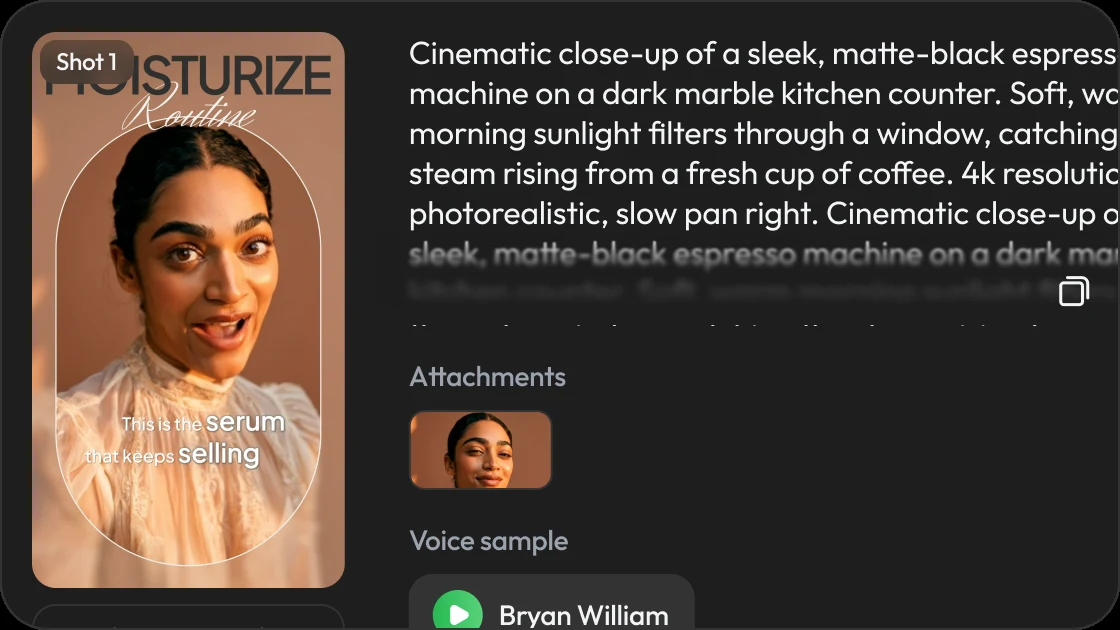
Avatar realism has edge cases
You shouldn't need a degree in video editing to finish a project. Easily reorder scenes, drop in text layers, or just ask the AI to make adjustments for you.
Open the Studio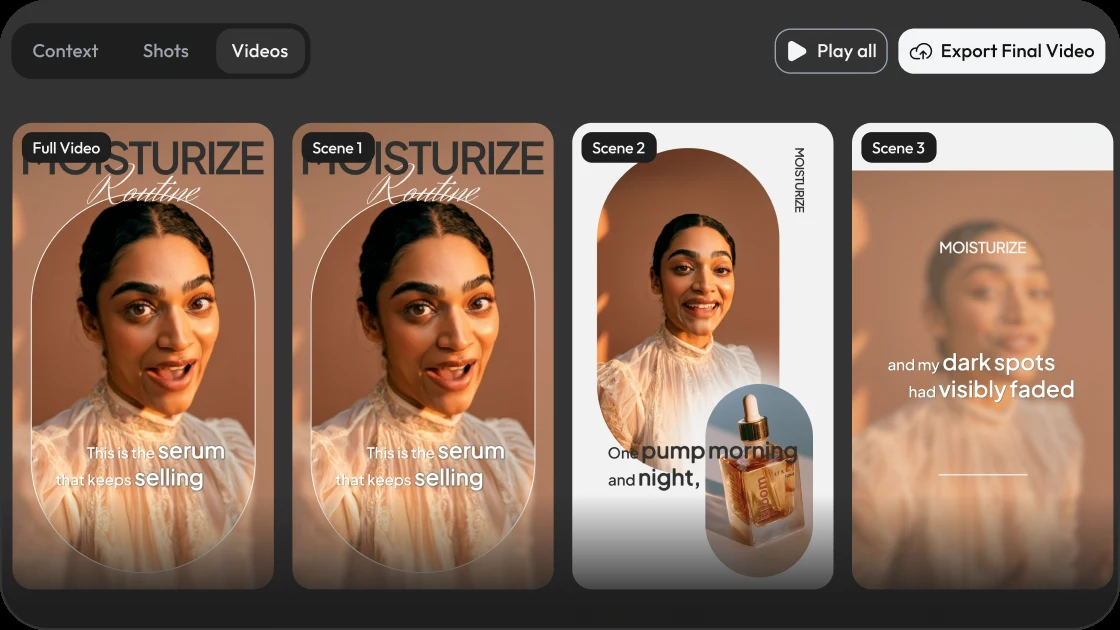
Multiple reference images need to agree with each other
Combining several source images — a product shot plus a model photo, for example — works best when lighting and angle are already close. Pick references with similar lighting, or let DirectStudio’s agent normalize them before generating.
Localize a Scene
Use cases, with more DirectStudio tools
Workflow
Upload your reference image
A product shot, a portrait, a still frame — anything you want the video to start from.
Describe the motion you want
Camera moves, subject motion, or scene changes — tell DirectStudio how the still should come to life.
Choose scene structure and model
Break your idea into scenes and let the agent pick the right model for each shot.
Customize voice and language
Pick a voice, tone, and language for every scene — swap it anytime before render.
Set captions, music, and output count
Add captions and a soundtrack, then choose how many variations to generate.
Generate and review
Render the storyboard, review every shot, and export only when it’s ready.
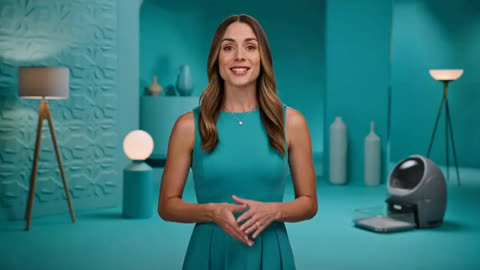 Faceless & stock-style channels
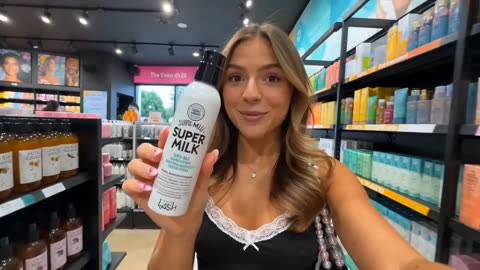 UGC-style ads
 Avatar-led commercials
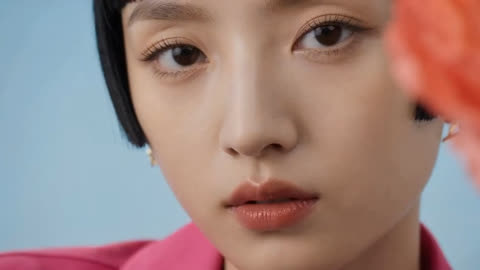 Corporate training
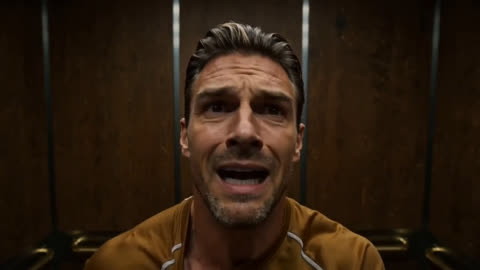 Localized campaigns
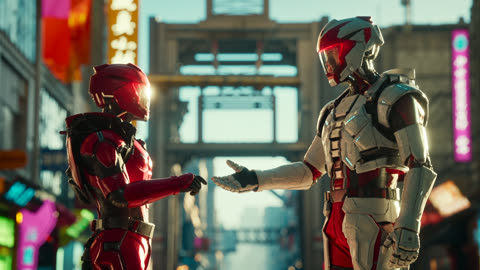 Short-form batch content
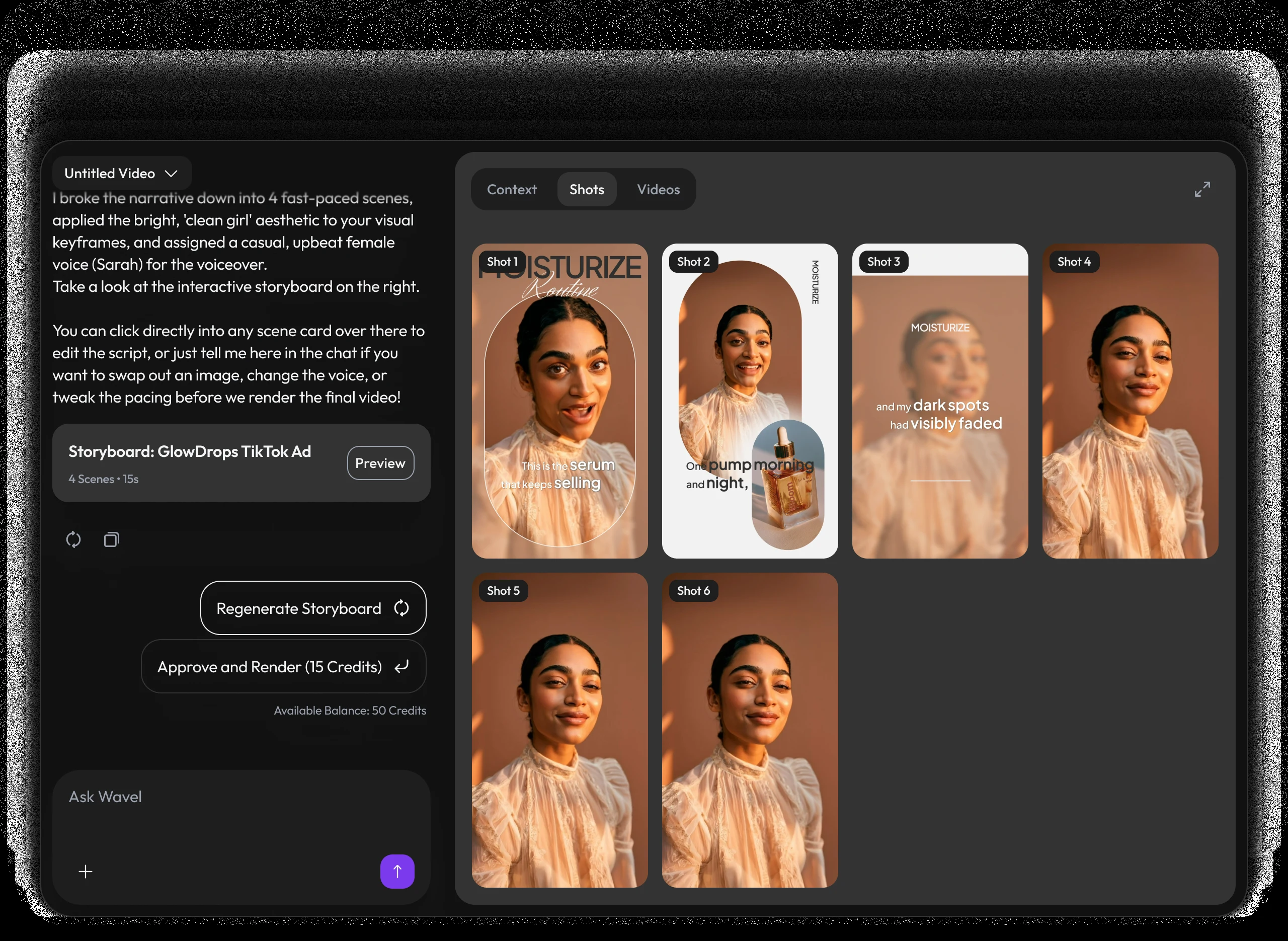
A video studio built like a chat.
Pricing
Self-serve credits for every story workflow.
Use DirectStudio with pay as you go credits, fixed plans, and top-ups whenever you need more generation capacity.
Pay as you go
Start self-serve and add credits only when your story pipeline needs more generation time.
- Top AI ModelsSeedDance 2, Seedance 2.5, Veo 3.1, Kling 3, Nano Banana Pro, SeedDream 5, WAN 2.5
- No monthly commitment
- Use credits across AI models
- Top up any time
Pro
A focused starter pack for testing story ideas, producing first drafts, and iterating with prompts.
- Top AI ModelsSeedDance 2, Seedance 2.5, Veo 3.1, Kling 3, Nano Banana Pro, SeedDream 5, WAN 2.5
- Video Agent access
- Prompt-based edits
- Consistent characters and scenes
Scale
Best value for regular creators producing more scenes, versions, and final video exports.
- Top AI ModelsSeedDance 2, Seedance 2.5, Veo 3.1, Kling 3, Nano Banana Pro, SeedDream 5, WAN 2.5
- Best credit rate
- More model runs
- Built for ongoing story production
Key features included
Have any question?
It animates a still image into a full video scene — upload a reference photo, describe the motion, and DirectStudio generates the clip.
Up to several images to guide character, product, or style consistency, depending on the model selected.
Yes. Regenerate a single scene, swap the voice or language, reorder shots, or ask the AI to make adjustments — all without leaving the storyboard.
Generate vertical (9:16), square, or landscape video in a range of durations, from 5-second social clips to full commercials.
DirectStudio's agent coordinates Seedance 2.0, Veo 3.1, Kling 3, and more, automatically picking the best model for each shot.
DirectStudio runs on credits. Pay as you go, or subscribe to Pro or Scale for a lower per-credit rate and more included generation capacity.
Still have a question in mind?
Contact us if you have any other questions.

Bring your first image to life
Stop wrestling with complex timelines. Upload an image, describe the motion, and generate cinematic video in minutes.
Start Directing Free